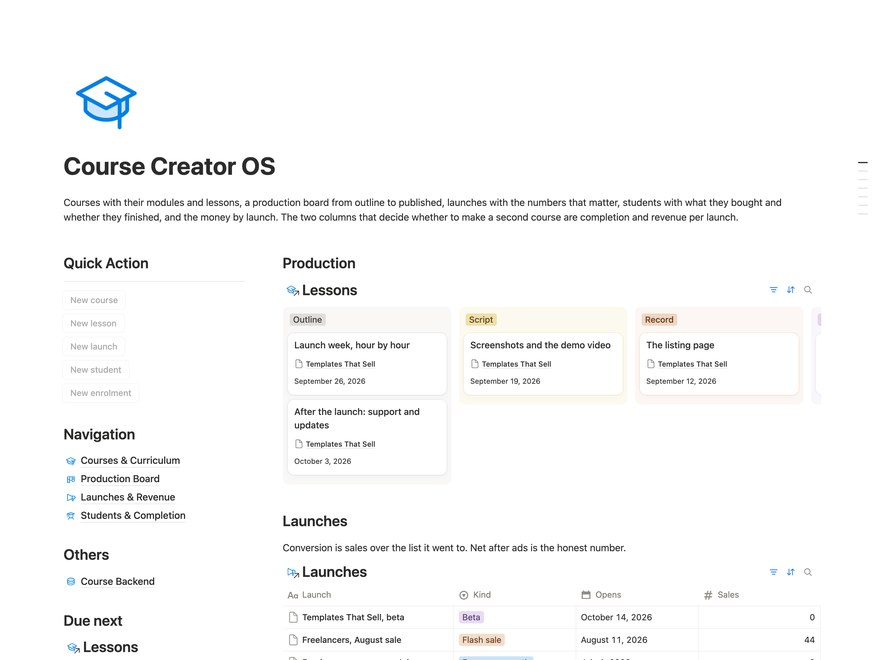

$29
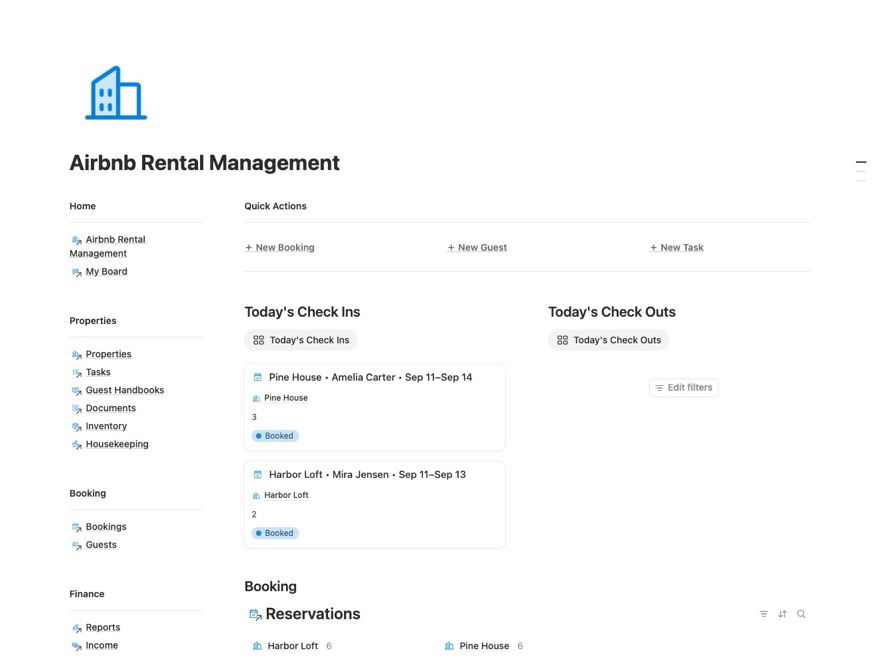
Airbnb Rental Management Notion Template
Bookings, turnovers, tasks, maintenance and revenue for short-stay hosts running one to ten properties.
Get this template

More Templates You Might Like
Three more ready-made systems from the collection.
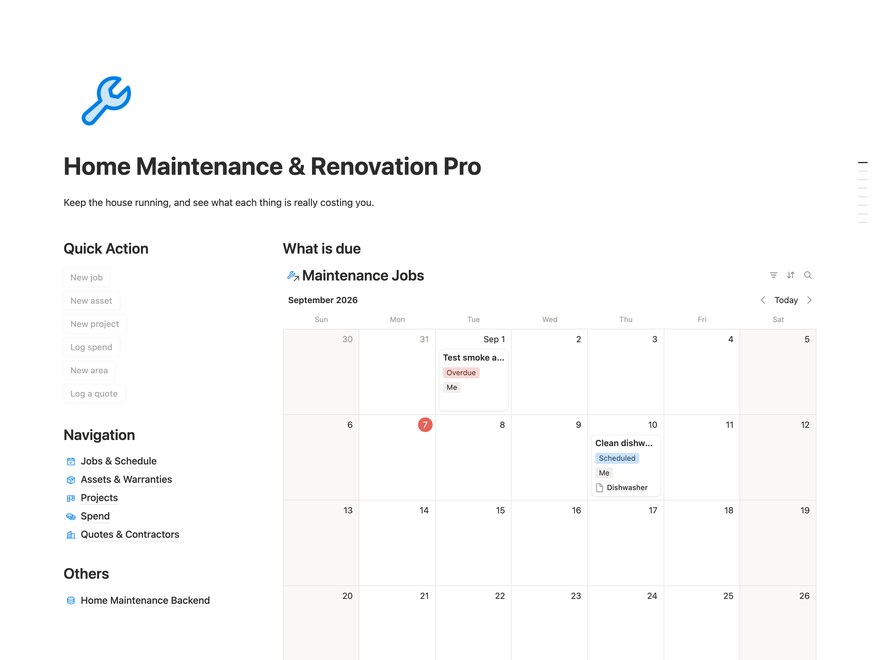
Home Maintenance & Renovation Pro Notion Template
Everything in the free Home Maintenance & Renovation plus the Quotes layer: the table that shows how things change over time.
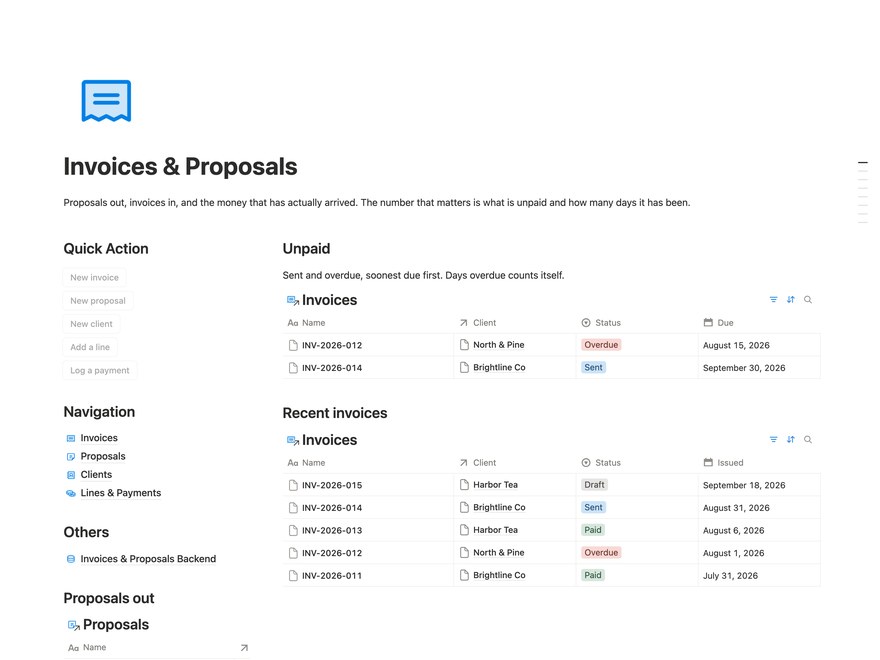
Invoices & Proposals Notion Template
Proposals out, invoices in, line items and payments. What is unpaid and how many days it has been.
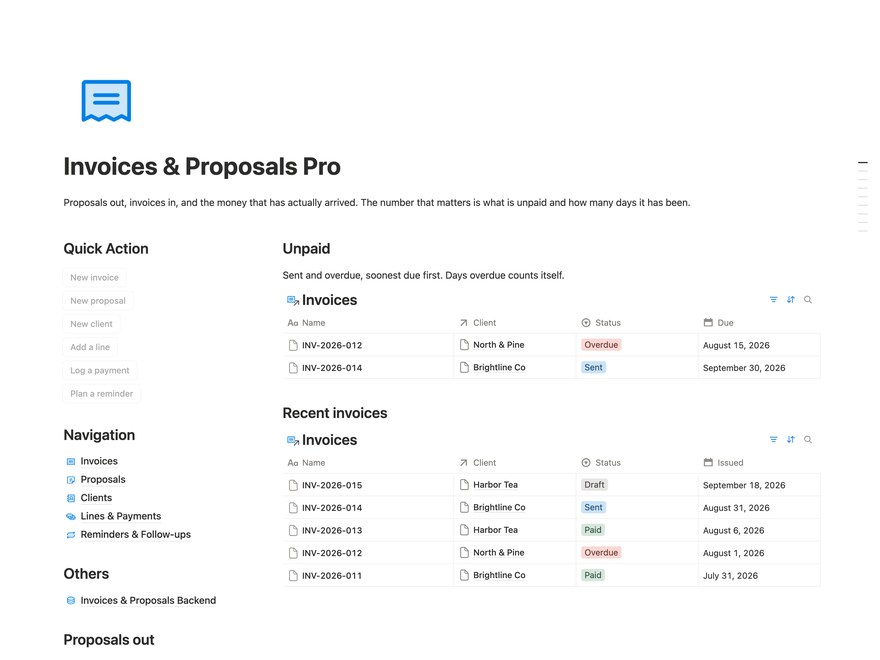
Invoices & Proposals Pro Notion Template
Everything in the free Invoices & Proposals plus the Reminders and recurring layer: the table that shows how things change over time.
Template Questions,
Answered Clearly
What you receive, how it works in Notion, and what happens after checkout.
Who is this for, and how do I use it?
For short-stay hosts coordinating properties, bookings, cleaning, maintenance and money records. Add a booking, link the guest and property, arrange its turnover and tasks, then record actual income and expenses.
Does it sync bookings with Airbnb or iCal?
No. There is no native Airbnb or iCal sync. You enter bookings and update dates, cancellations and prices manually. Changed stays do not automatically reschedule cleaning or tasks; update those records and reconfirm the cleaner yourself.
Are messages, invoices and payments handled automatically?
No. Guest-message drafts and cleaner handoff records are for manual use; the template sends no messages or notifications. You create and send invoices separately, handle payments outside Notion, and log and reconcile the amounts yourself, including split payouts.
What do I get with Airbnb Rental Management Notion Template?
A complete copy of Airbnb Rental Management Notion Template, including every page, database, view and piece of example content shown in the preview. The sample entries make the workflow clear before you replace them with your own.
How do I add it to Notion?
Open the template link after checkout, choose Duplicate, and select your workspace. Notion creates your own editable copy; the original stays untouched.
Do I need a paid Notion plan?
No. The template works with Notion's free personal plan. A paid Notion plan is only useful if you need its additional team permissions or longer version history.
Can I customise the template?
Yes. Rename properties, edit views, remove databases, change icons and move pages into an existing workspace. Your copy is an ordinary Notion setup with nothing locked.
Are future updates included?
Future revisions to your template are included at no extra cost. To request the latest version, email hello@stefansupply.com with the template name and the email address used at checkout. Your existing Notion copy does not update automatically. Keep a backup, duplicate the new revision separately, then copy your records across or apply the changes manually. Check relations, formulas and views before replacing your old copy; your data is not migrated automatically.
Can I return a template?
All sales are final. We do not offer refunds or exchanges for digital products. Please review the product description and preview before purchasing. Refund policy.
Every Paid Template.
One Complete Pro Bundle.
Get all 36 Pro templates and business systems available today, with lifetime access and every future update.